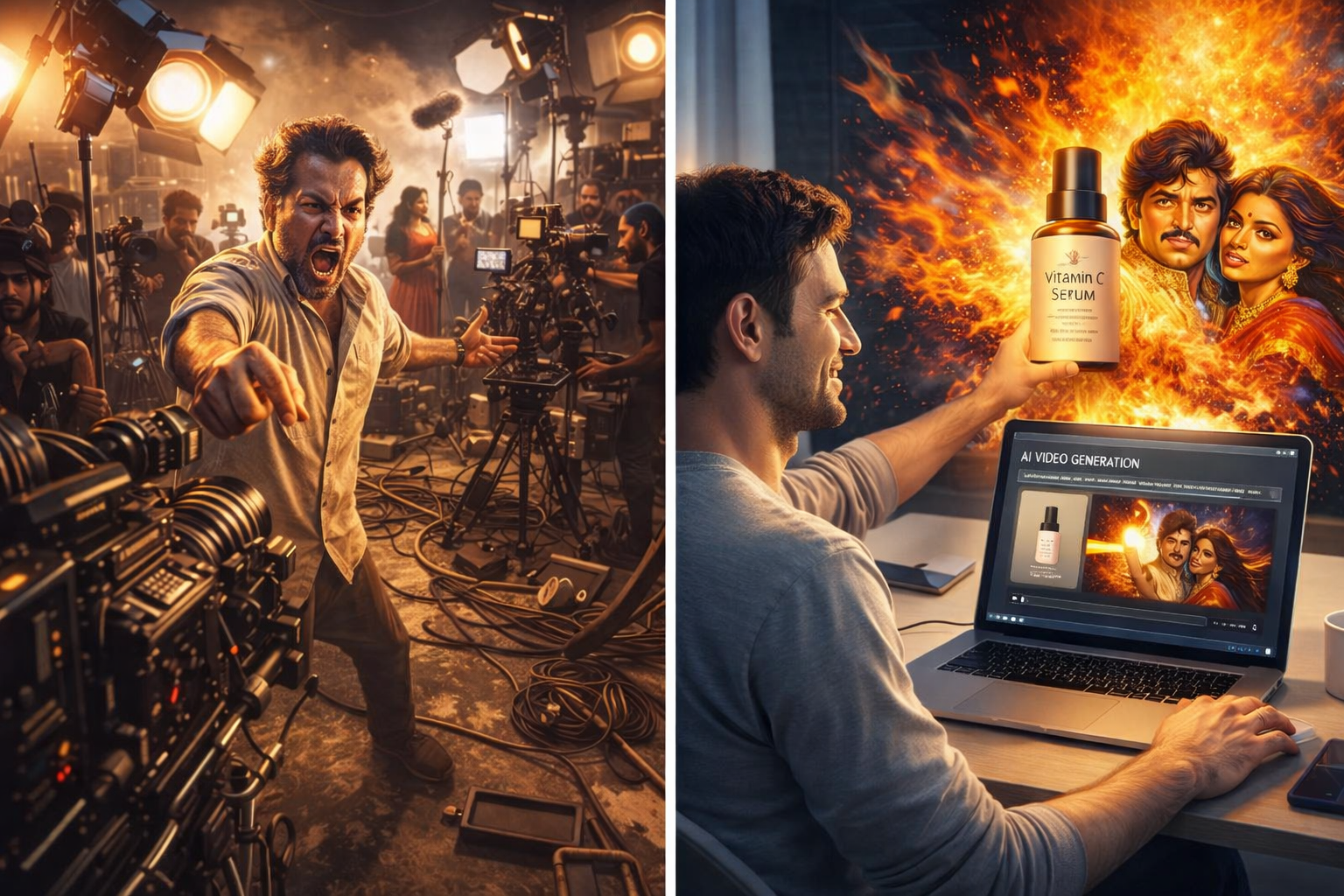
The Ultimate Guide to AI Video Ads: How to Create Scroll-Stopping Ads in 2025
Learn how AI video ads can boost conversions by 80%. Complete guide with statistics, tools comparison, step-by-step tutorials, and expert tips for TikTok, Instagram, and YouTube.
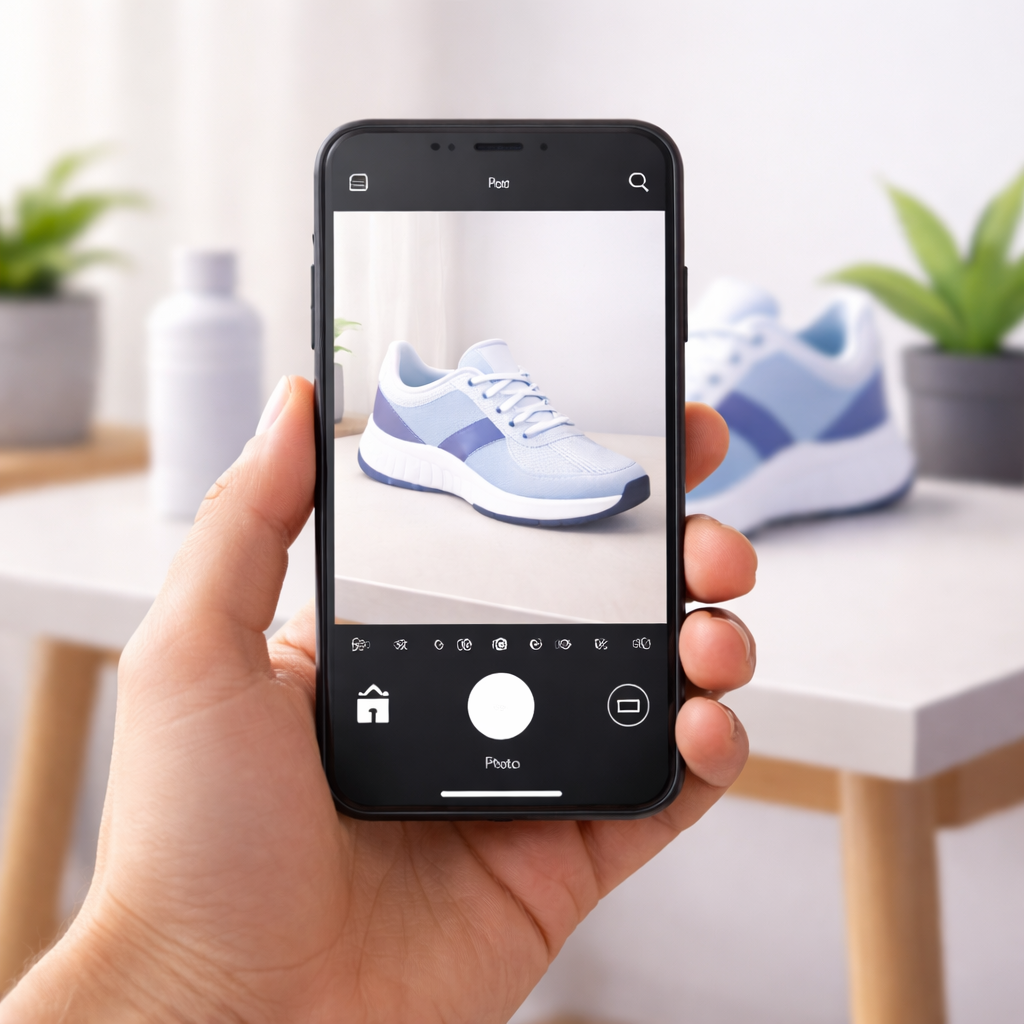
Here's a fact that will blow your mind: Video ads can increase your conversions by up to 80%.
That's not a typo. According to research by WebFX, adding a video to your landing page can nearly double the number of people who buy from you.
But here's the problem most people face: making video ads is really, really hard.
Until now.
AI has completely changed the game. Today, you can create professional video ads in minutes — not days, not weeks, just minutes. And you don't need to know anything about video editing.
In this ultimate guide, you'll learn:
- Why video ads outperform every other type of content
- The shocking statistics that prove AI video ads work
- How to create your first AI video ad (step by step)
- The best AI video ad tools compared (with honest pros and cons)
- Platform-specific tips for TikTok, Instagram, YouTube, and more
- Common mistakes to avoid
- Expert strategies to maximize your results
This is the most complete guide to AI video ads you'll find anywhere. Bookmark it. You'll want to come back to it.
Let's dive in.
Why Video Ads Beat Everything Else (why-video-ads-beat-everything-else)
Let's start with the basics: why should you even care about video ads?
Because they work better than anything else. Here's proof:
Video ads get more attention. When people scroll through their social media feeds, their eyes stop on video. Movement catches attention. Static images don't.
Video ads build trust faster. Seeing a product in action is way more convincing than reading about it. That's why 82% of consumers have bought a product after watching a marketing video.
Video ads convert better. Websites with video have a 4.8% conversion rate, compared to just 2.9% for sites without video. That's a 65% improvement just by adding video.
Video ads get shared more. According to Forbes research, videos are shared 1200% more than text and images combined. That's free exposure.
The data is clear. If you want to sell more, video is the answer.
The Rise of AI in Video Advertising (the-rise-of-ai-in-video-advertising)
So video is powerful. We get that. But making videos used to be a nightmare.
You needed cameras, lights, editing software, and hours of time. Most small businesses and solo creators just couldn't do it.
Then AI changed everything.
According to Metricool's 2025 report, 96% of social media professionals now use AI in their work. That's almost everyone.
And here's why:
- 79% of creators say AI helps them produce more content faster
- 82% of marketers using AI see measurable improvements in results
- 83% say AI helps them create much more content than before
- 73% experience higher engagement rates with AI-assisted content
The numbers don't lie. AI isn't just a trend — it's the new standard.
What AI Video Ads Actually Mean
When we talk about "AI video ads," we mean videos created with the help of artificial intelligence.
Instead of filming, editing, and producing everything yourself, you give the AI some input (like a product photo or a description), and it creates a video for you.
The AI can:
- Turn still images into moving videos
- Add professional transitions and effects
- Generate scenes and backgrounds
- Create captions and text overlays
- Match content to different platform sizes
- Even add music and voiceovers
What used to take a professional team and thousands of dollars now takes a few clicks and a few minutes.
Mind-Blowing Video Ad Statistics (mind-blowing-video-ad-statistics)
Let's look at the numbers that prove video ads (especially AI-powered ones) are worth your time and money.
Conversion Statistics
- 80% — Landing pages with video can increase conversions by up to 80% (Unbounce)
- 4.8% — Average conversion rate for websites with video (vs 2.9% without)
- 34% — Businesses using video marketing have 34% higher conversion rates
- 300% — Including video in emails can boost click-through rates by 300% (HubSpot)
- 84% — Consumers who bought a product after watching a marketing video
Engagement Statistics
- 1200% — Videos are shared 1200% more than text and images combined
- 93% — Of top-performing TikTok videos include music or sound
- 70% — Interactive videos can increase conversion rates by up to 70%
- 2.65% — TikTok's average engagement rate (vs 0.70% for Instagram)
ROI Statistics
- $2 for every $1 — Average return on TikTok ad spend
- 51% — Small businesses advertising on TikTok report positive ROI
- 93% — Organizations say video marketing matches or beats other formats for conversions
- 49% — Companies using video marketing grew 49% faster in revenue
Platform Statistics
- 5.17 billion — Global social media users in 2025
- 1.59 billion — TikTok monthly active users
- 2 billion — Instagram monthly active users
- 95 minutes — Average daily time spent on TikTok per user
- 92% — Of internet users who watch videos online every month
These aren't just numbers. They represent real money, real customers, and real growth.
How AI Video Ad Generators Work - how-ai-video-ad-generators-work
Understanding how AI video generators work helps you use them better. Don't worry — we'll keep this simple.
The Basic Process
Most AI video ad generators follow these steps:
1. Input — You provide something for the AI to work with. This could be:
- A product photo
- A product URL
- A text description
- An existing video clip
2. Analysis — The AI examines your input. It identifies what the product is, its colors, shapes, and key features.
3. Generation — The AI creates video content. Depending on the tool, it might:
- Add motion to your still image
- Create new scenes and backgrounds
- Generate transitions and effects
- Add text, captions, and calls-to-action
4. Output — You get a finished video ready to download and post.
Different Types of AI Video Tools
Not all AI video tools work the same way. Here are the main types:
Image-to-Video Tools These turn your product photos into videos. They add motion, zoom effects, and transitions to make static images come alive. PromoMotions is a perfect example — you upload a photo, and it creates a video ad.
URL-to-Video Tools These pull information from a product page and automatically create a video. You paste a link, and the AI does the rest.
Avatar-Based Tools These create videos with AI-generated "people" who present your product. The avatars can speak, gesture, and act like real presenters.
Template-Based Tools These use pre-designed templates that you customize. You plug in your images and text, and the template creates the video.
Text-to-Video Tools These generate videos from written descriptions. You describe what you want, and the AI creates it.
Each type has its strengths. The best choice depends on what you need.
Best AI Video Ad Tools Compared (best-ai-video-ad-tools-compared)
Now let's compare the top AI video ad generators. We'll be honest about the pros and cons of each.
1. PromoMotions ⭐ (Best for Beginners)
What it does: Turns product photos into video ads with zero learning curve.
How it works: Upload a photo → Describe your product in one sentence → Download your video ad.
Best for: Complete beginners, small businesses, solo creators, e-commerce sellers, restaurants.
Pros:
- Simplest tool on the market — literally just upload and go
- No prompt engineering or technical skills needed
- Templates for multiple niches (beauty, food, tech, fashion)
- Works for all platforms (TikTok, Instagram, YouTube, Facebook, Amazon, Shopify)
- Free trial available
- Natural-looking ads that blend into social feeds
Cons:
- Newer platform (still building features)
- Currently in waitlist phase
Pricing: Free trial, paid plans coming soon
Best for: Anyone who wants video ads without the complexity.
2. Creatify
What it does: Creates video ads from product URLs with AI avatars.
How it works: Paste a product URL → AI generates script and video → AI avatars present your product.
Best for: E-commerce brands who want UGC-style content.
Pros:
- URL-to-video is convenient
- Large library of AI avatars (1500+)
- Good for creating multiple variations
- Batch creation mode
Cons:
- More complex than simple photo-to-video tools
- Avatar content doesn't fit every brand
- Paid plans start at $19/month
- Learning curve for advanced features
Pricing: Free plan (10 credits), paid starts at $19/month
3. AdCreative.ai
What it does: Full advertising platform with video, banners, and creative scoring.
How it works: Upload assets → AI generates multiple ad variations → AI scores which will perform best.
Best for: Marketing teams running large campaigns.
Pros:
- Creates multiple ad types (not just video)
- AI scores ads before you run them
- Competitor analysis features
- Product photoshoot AI feature
Cons:
- Overwhelming for beginners
- Higher price point
- More features than most small businesses need
- Interface has learning curve
Pricing: Starts at $29/month
4. Predis.ai
What it does: All-in-one social media tool with AI ad creation.
How it works: Connect your store → AI pulls products → Generates videos with scheduling.
Best for: Social media managers handling multiple platforms.
Pros:
- Connects to Shopify, WooCommerce, Wix
- Built-in scheduling
- Multiple content types (videos, posts, stories)
- AI voiceovers in 18+ languages
Cons:
- Jack of all trades, master of none
- Video quality varies
- Interface can feel cluttered
- Credit system limits usage
Pricing: Free plan available, paid starts at $29/month
5. JoggAI
What it does: Creates videos with realistic AI avatars from product links.
How it works: Paste product link → Choose avatar → AI generates presenter-style video.
Best for: Brands wanting spokesperson-style content.
Pros:
- Very realistic AI avatars
- Good lip-sync technology
- Multiple languages supported
- Product link integration
Cons:
- Avatar content isn't for every brand
- Less focus on simple product videos
- Requires more setup
- Credits run out quickly
Pricing: Starts at $9/month
6. InVideo
What it does: General video creation platform with AI features.
How it works: Choose template or prompt → AI generates video → Edit and customize.
Best for: Content creators who need various video types.
Pros:
- Very versatile
- Large template library
- Works for YouTube, ads, social, and more
- AI script and storyboard generation
Cons:
- Not specifically designed for product ads
- Can feel bloated for simple tasks
- Watermarks on free plan
- Takes longer to learn
Pricing: Free plan available, paid starts at $25/month
Quick Comparison Table
| Tool | Best For | Ease of Use | Starting Price | Key Feature |
|---|---|---|---|---|
| PromoMotions | Beginners | ⭐⭐⭐⭐⭐ | Free trial | Photo to video in seconds |
| Creatify | E-commerce | ⭐⭐⭐ | $19/month | URL-to-video with avatars |
| AdCreative.ai | Marketing teams | ⭐⭐ | $29/month | Ad scoring and analytics |
| Predis.ai | Social managers | ⭐⭐⭐ | $29/month | Store integration |
| JoggAI | Avatar content | ⭐⭐⭐ | $9/month | Realistic AI presenters |
| InVideo | General video | ⭐⭐⭐ | $25/month | Template variety |
Our recommendation: If you're just starting out, begin with PromoMotions. It's the fastest way to create your first video ad without getting overwhelmed. You can always add more tools later.
Platform Guide: TikTok, Instagram, YouTube (platform-guide-tiktok-instagram-youtube)
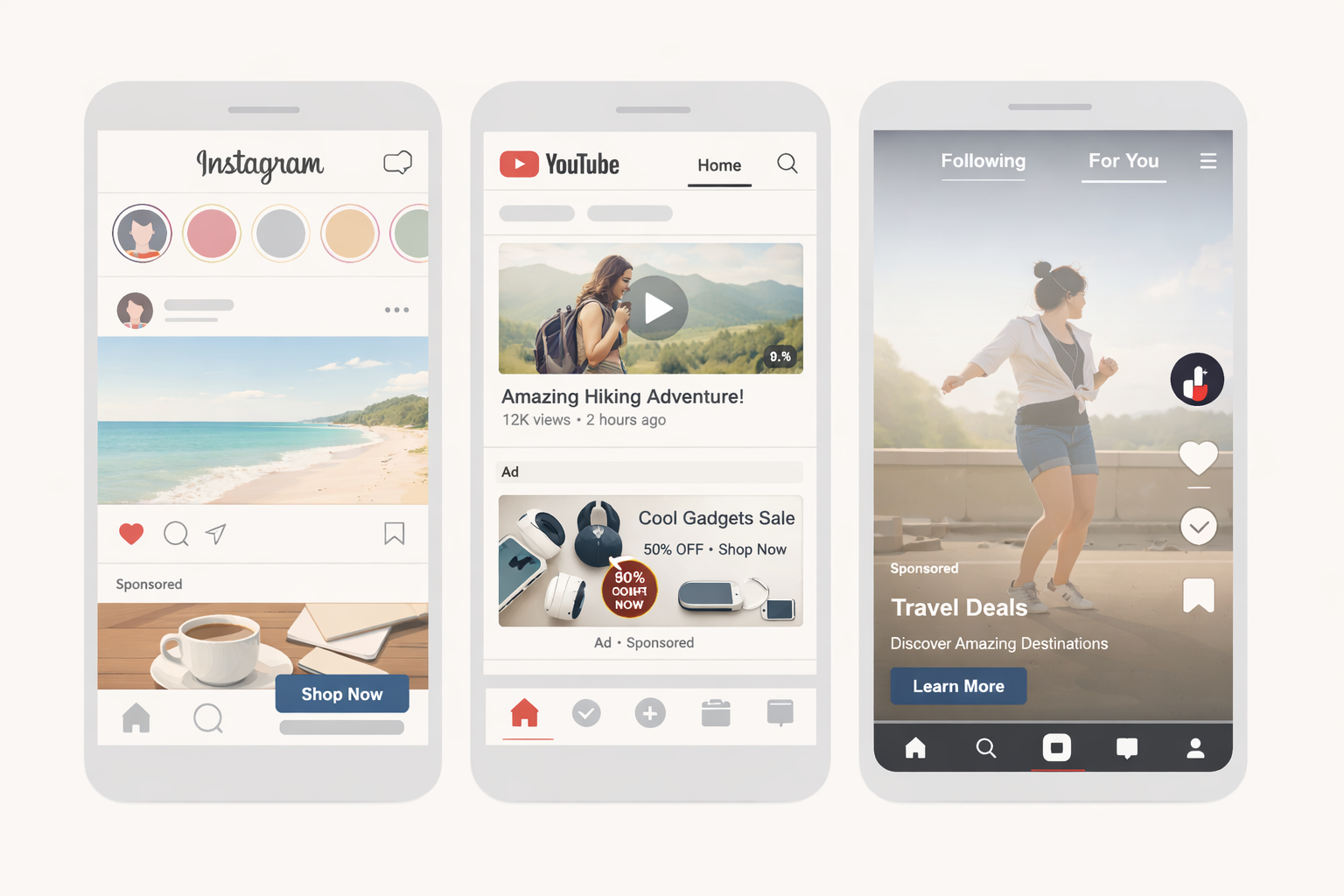
Different platforms have different rules. Here's how to optimize your AI video ads for each one.
TikTok Ads
TikTok is the engagement king. With an average engagement rate of 2.65% (compared to Instagram's 0.70%), your content gets more interaction here.
Key TikTok Statistics:
- TikTok ads have 0.84% CTR (higher than Facebook's 0.72% and Instagram's 0.59%)
- Average CPC is $1.00 (vs $3.56 on Instagram)
- 4 in 10 users buy products after seeing them on TikTok
- Video ads get 15% higher engagement than static ads
- 51% of small businesses report positive ROI
TikTok Ad Best Practices:
- Hook in 3 seconds — 63% of top-performing TikTok videos highlight key messages in the first 3 seconds
- Use sound — 93% of top videos include music or sound
- Go vertical — 9:16 aspect ratio only
- Keep it short — 15-30 seconds performs best
- Look native — Ads that look like organic content perform better
- Use trending formats — Duets, stitches, and challenges work
Best for: Brand awareness, reaching Gen Z and Millennials, viral potential, lower ad costs.
Instagram Reels & Stories Ads
Instagram has 2 billion monthly users and excels at conversions.
Key Instagram Statistics:
- Instagram Reels get 22% more engagement than regular videos
- Feed ads have 0.22%-0.88% CTR
- Stories ads have 0.33%-0.54% CTR
- Partnership ads with creators have 20% more conversions per dollar
- Best for polished, brand-consistent content
Instagram Ad Best Practices:
- Quality matters more — Instagram users expect polished content
- Use multiple formats — Feed, Stories, and Reels reach different users
- Add clear CTAs — "Shop Now," "Learn More," "Swipe Up"
- Vertical for Stories/Reels — 9:16 aspect ratio
- Square for Feed — 1:1 aspect ratio
- Include captions — Many watch without sound
Best for: E-commerce conversions, brand building, reaching broader demographics, affiliate marketing.
YouTube Shorts & Ads
YouTube is the second-largest search engine and dominates long-form video.
Key YouTube Statistics:
- 258+ million unique US viewers monthly
- More than 90% of people discover new brands on YouTube
- 80% of users watch YouTube videos at the start of their shopping journey
- 89% of Gen Z watches YouTube
- YouTube Shorts now competes directly with TikTok
YouTube Ad Best Practices:
- First 5 seconds are critical — Users can skip after 5 seconds
- YouTube Shorts — 60 seconds max, 9:16 aspect ratio
- Pre-roll ads — Front-load your message
- Longer content works — YouTube supports videos up to 3 minutes for ads
- SEO matters — Titles, descriptions, and tags help discoverability
- End screens and cards — Drive subscriptions and website visits
Best for: Product research, tutorials, longer storytelling, search discoverability, diverse demographics.
Platform Comparison Summary
| Factor | TikTok | YouTube | |
|---|---|---|---|
| Best For | Awareness & Virality | Conversions & Brand | Research & Discovery |
| Audience | Gen Z, Millennials | All ages | All ages |
| Content Style | Raw, authentic | Polished, aesthetic | Professional, informative |
| Video Length | 15-30 sec | 15-30 sec | 15 sec - 3 min |
| Engagement Rate | 2.65% | 0.70% | Varies |
| Ad Cost (CPC) | $1.00 | $3.56 | $0.10-$0.30 |
Pro tip: Create one video ad with AI, then resize it for multiple platforms. Most AI tools (including PromoMotions) support multiple aspect ratios.
Step-by-Step: Create Your First AI Video Ad (step-by-step-create-your-first-ai-video-ad)
Let's get practical. Here's exactly how to create your first AI video ad.
What You'll Need
- A product photo (phone photo is fine)
- A one-sentence description of your product
- 5 minutes of time
That's it. Seriously.
Step 1: Choose Your Tool
For your first video ad, we recommend PromoMotions because:
- Zero learning curve
- No technical skills needed
- Free trial available
- Results in minutes
Go to promomotions.com and join the waitlist.
Step 2: Prepare Your Photo
Your product photo doesn't need to be perfect. Here are some tips:
Do:
- Use good lighting (natural light works great)
- Show the product clearly
- Use a clean background
- Make sure the photo is in focus
Don't:
- Use blurry or dark photos
- Include too many items
- Use heavily filtered images
- Crop off important parts of the product
Step 3: Upload and Describe
Upload your photo to the platform. Then describe your product in simple words.
Good examples:
- "A handmade soy candle that smells like fresh lavender"
- "Wireless earbuds with 48-hour battery life"
- "Organic face cream for sensitive skin"
- "Spicy Korean hot sauce for noodles and rice"
Bad examples:
- "Product" (too vague)
- "The best thing ever created in the history of mankind" (not descriptive)
- Just the product name without any description
Step 4: Choose Your Style
Pick a template or style that matches your brand:
- Beauty and skincare
- Food and beverage
- Tech and gadgets
- Fashion and apparel
- Home and lifestyle
Step 5: Generate and Download
Click generate. Wait a few minutes. Download your video.
That's the whole process. You now have a professional video ad.
Step 6: Post and Test
Post your video to your chosen platform. Watch how it performs. Then create more variations.
Testing tips:
- Try different photos
- Test different descriptions
- Experiment with lengths
- Post at different times
- Compare results
The magic of AI is speed. Use it to test many ideas quickly.
Common Mistakes to Avoid (common-mistakes-to-avoid)
Learn from others' mistakes. Here are the biggest pitfalls with AI video ads.
Mistake #1: Using Bad Photos
Garbage in, garbage out. If your source photo is blurry, dark, or poorly composed, your video will look bad too.
Fix: Take 5 minutes to get a decent photo. Natural light + clean background = good enough.
Mistake #2: Making Ads That Look Like Ads
People scroll past obvious advertisements. The best video ads blend into social feeds.
Fix: Make content that entertains or informs first, sells second. Use native platform styles.
Mistake #3: Ignoring the First 3 Seconds
You have 3 seconds (or less) to stop someone from scrolling. If your video starts slow, no one will see the rest.
Fix: Lead with your most interesting visual or message. Hook them immediately.
Mistake #4: Creating Only One Version
One video = one chance. What if that approach doesn't work? You'll never know what could have worked better.
Fix: Create multiple versions. Test different hooks, images, and styles. Let data tell you what works.
Mistake #5: Wrong Format for the Platform
A horizontal YouTube video won't work on TikTok. A 3-minute video won't work on Instagram Stories.
Fix: Know each platform's requirements. Create versions optimized for each one.
Mistake #6: No Call to Action
If you don't tell people what to do, they won't do anything.
Fix: Include a clear CTA: "Shop now," "Learn more," "Link in bio," "Swipe up."
Mistake #7: Giving Up Too Soon
Video marketing takes time. Your first ad probably won't go viral.
Fix: Commit to creating content consistently. The data you gather makes each ad better.
Advanced Strategies for Maximum ROI (advanced-strategies-for-maximum-roi)
Ready to level up? Here are expert strategies to maximize your results.
Strategy #1: The Volume Game
AI lets you create many videos quickly. Use that power.
Instead of creating one "perfect" ad, create 10 variations. Post them all. See which ones get traction. Double down on winners.
This is how the biggest brands operate. They test constantly.
Strategy #2: Trend Jacking
Social platforms reward content that fits current trends. Use AI to quickly create videos that tap into what's hot right now.
See a trending audio? Create an ad using it. Notice a viral format? Adapt it for your product.
Speed is your advantage. While big brands go through approval processes, you can respond in hours.
Strategy #3: Platform-Native Content
The #1 mistake advertisers make: creating one video and posting it everywhere without changes.
Instead, create platform-specific versions:
- TikTok: Raw, authentic, trend-focused
- Instagram: Polished, aesthetic, brand-consistent
- YouTube: Informative, longer, SEO-optimized
Same product, different presentations.
Strategy #4: Retargeting with Variation
Someone watched your first video but didn't buy? Show them a different angle.
Create multiple videos highlighting different features or benefits. Use retargeting to show fresh content to warm audiences.
Variety keeps your brand interesting.
Strategy #5: User-Generated Content Style
UGC-style ads outperform traditional ads. They look real, authentic, and trustworthy.
Use AI to create videos that look like real customers made them. Natural lighting, casual framing, honest reviews.
Authenticity converts.
Strategy #6: Seasonal and Event-Based Content
Black Friday. Valentine's Day. Summer sale. Back to school.
AI lets you quickly create themed content for every occasion. Plan ahead and batch-create seasonal ads.
Timeliness matters.
Frequently Asked Questions (frequently-asked-questions)
General Questions
What is an AI video ad generator? An AI video ad generator is a tool that uses artificial intelligence to create video advertisements automatically. Instead of manually editing videos, you provide input (like a product photo), and the AI creates a professional video for you.
Do AI video ads actually work? Yes. Data shows video ads can increase conversions by up to 80%. Websites with video have 65% higher conversion rates than those without. AI makes creating these high-performing videos accessible to everyone.
How much do AI video ad generators cost? Prices vary. Some tools offer free trials or free plans with limited features. Paid plans typically range from $9 to $50+ per month depending on features and usage limits.
Do I need video editing skills? No. That's the whole point of AI video generators. If you can upload a photo and click a few buttons, you can create a video ad.
Technical Questions
What kind of photo do I need? A normal phone photo works fine. Make sure it's well-lit, in focus, and shows your product clearly. You don't need professional photography.
What video formats can AI tools create? Most AI tools support multiple formats: 9:16 (vertical for TikTok/Reels), 1:1 (square for Instagram feed), 16:9 (horizontal for YouTube). You can usually choose your preferred format.
How long are AI-generated video ads? Most tools create videos from 5 seconds to 60 seconds. Short-form ads (15-30 seconds) typically perform best on social platforms.
Can I edit the AI-generated videos? Most tools allow some level of editing — changing text, trimming length, adjusting music. The amount of control varies by tool.
Platform Questions
Which platform is best for video ads? It depends on your goals. TikTok is best for awareness and engagement. Instagram is better for conversions. YouTube works well for product research and discovery. Many businesses use all three.
What's the best video length for each platform?
- TikTok: 15-30 seconds
- Instagram Reels: 15-30 seconds
- Instagram Stories: 15 seconds per slide
- YouTube Shorts: 15-60 seconds
- YouTube Ads: 15 seconds to 3 minutes
Can I use the same video on multiple platforms? You can, but results will be better if you optimize for each platform. At minimum, adjust the aspect ratio (vertical for TikTok/Instagram, horizontal for YouTube).
Business Questions
Are AI video ads good for small businesses? Absolutely. AI video ads are perfect for small businesses because they're fast, affordable, and don't require hiring agencies or editors. You get professional results without professional costs.
How do AI video ads compare to hiring an agency? Agencies typically cost $1,000 to $10,000+ per video. AI tools cost $0-50 per month and let you create unlimited videos. For most small businesses, AI is the clear winner for cost-effectiveness.
What industries work best with AI video ads? AI video ads work for almost any industry: e-commerce, restaurants, beauty, fashion, tech, home goods, digital products, services, and more. If you have a product or service to show, video can help sell it.
Conclusion: Your AI Video Ad Journey Starts Now
Let's recap what we've learned:
Video ads work. They increase conversions by up to 80%, get 1200% more shares, and outperform every other content type.
AI makes video ads accessible. You don't need expensive equipment, editing skills, or agencies. Just upload a photo and let AI do the work.
The tools exist today. PromoMotions, Creatify, AdCreative.ai, Predis.ai, JoggAI, InVideo — there's a tool for every need and budget.
The data supports it. 96% of social media professionals use AI. 51% of small businesses on TikTok report positive ROI. 82% of consumers buy after watching video.
Starting is easy. Upload a photo. Describe your product. Download your video. Post it. Learn from results. Repeat.
The only question left is: will you take action?
Your competitors are already using AI video ads. Every day you wait, they're getting further ahead. They're creating more content, testing more ideas, and connecting with more customers.
But here's the good news: it's not too late. AI tools make it possible to catch up quickly. You can create your first video ad today.
Ready to start?
👉 Join the PromoMotions waitlist and create your first AI video ad in minutes.
No editing skills. No expensive software. No complicated prompts. Just upload a product photo and let AI do its magic.
Your first viral ad is just one photo away.
Additional Resources
Want to learn more? Check out these resources:
Statistics and Research:
- Shopify Video Marketing Statistics
- WebFX Video Marketing Stats
- WordStream Google Ads Benchmarks
- TikTok Advertising Statistics
Platform Guides:
Related Articles:
- How to Create Video Ads Without Any Editing Skills
- Best AI Video Ad Generators in 2025
- Why You Need AI for Social Media Ads
Written by the PromoMotions Team — helping businesses create scroll-stopping video ads with AI.
Last updated: January 2025
You might also like.
Keep exploring AI-powered commerce insights.

Creating High-Converting Product Videos From a Single Photo: How AI Video Generators Are Changing E-Commerce
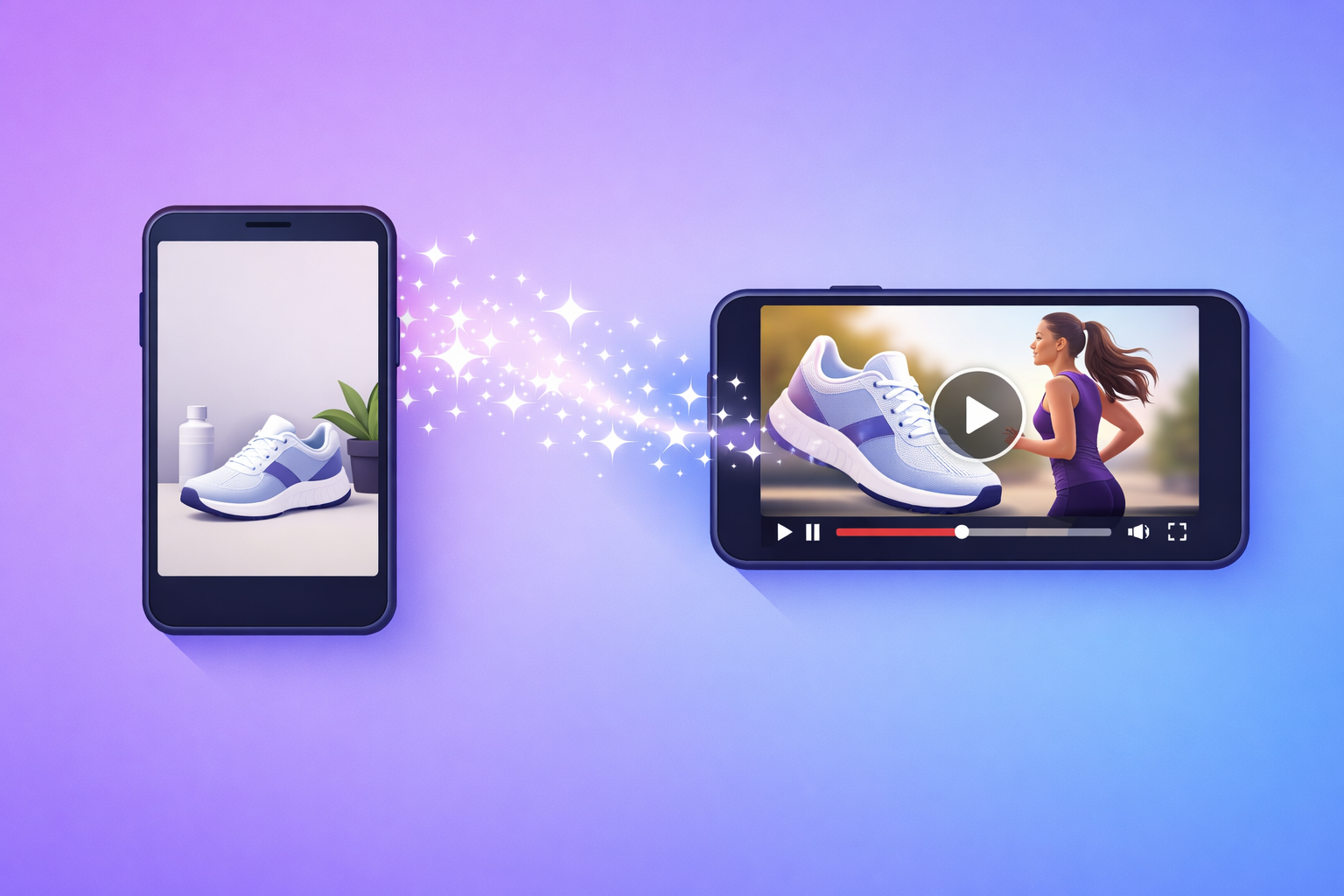
Transform Your Product Photos into Viral Video Ads: The Power of an AI Product Video Generator
Best AI Video Ad Generators in 2025: Which One Is Right for You?