
Creating High-Converting Product Videos From a Single Photo: How AI Video Generators Are Changing E-Commerce
Learn how AI video generators turn a single product photo into high-quality marketing videos. Discover why these tools matter for e-commerce and how to create converting video ads without expensive equipment.

Modern shoppers scroll through social feeds in seconds. Without compelling video ads, your products may never get noticed.
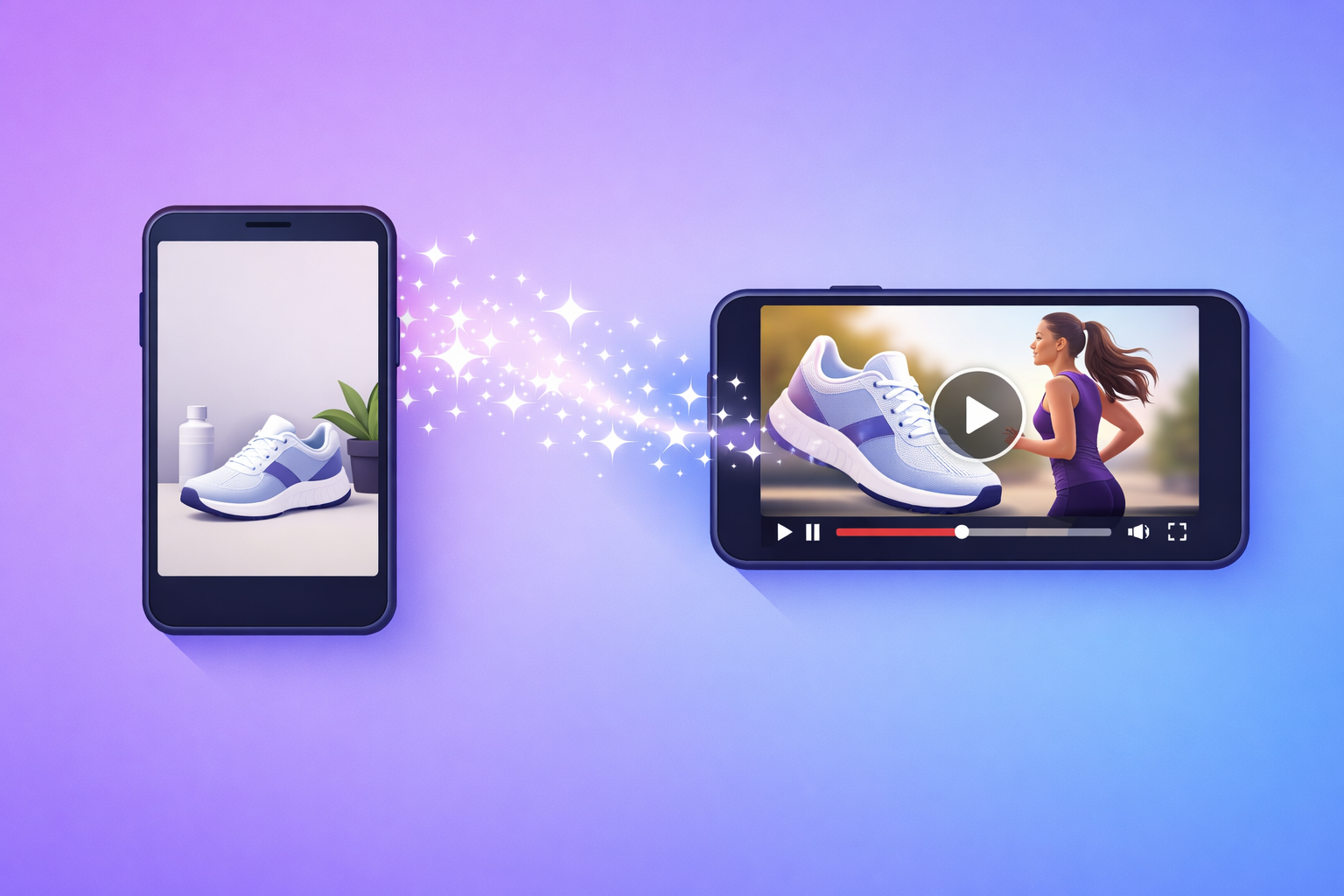
AI video generators make it easy to convert a single product photo into a high-quality marketing video. This blog explains how AI tools work, why they matter, and how businesses can generate high-converting product videos without expensive equipment or editing skills.
Why AI Video Generators Matter
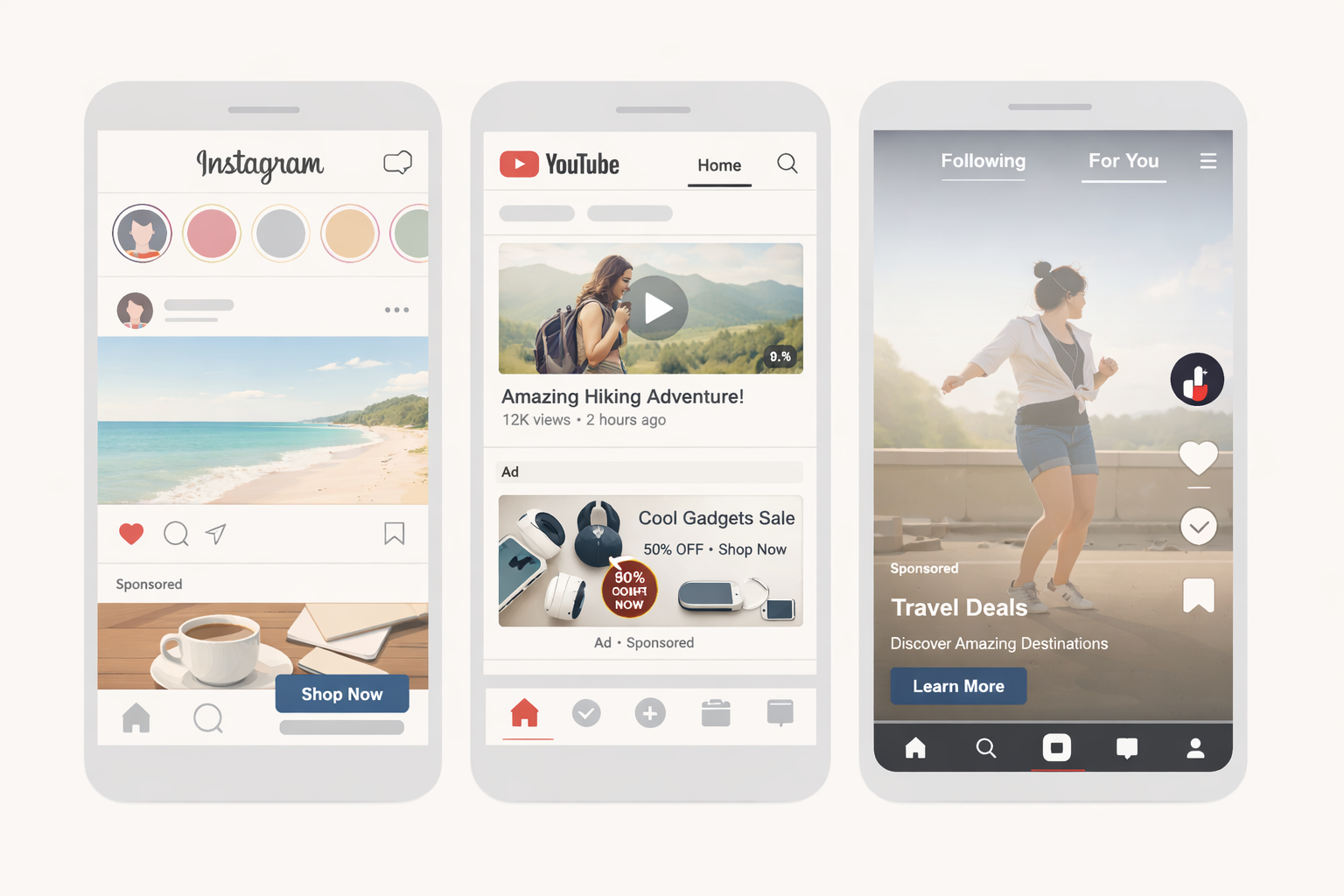
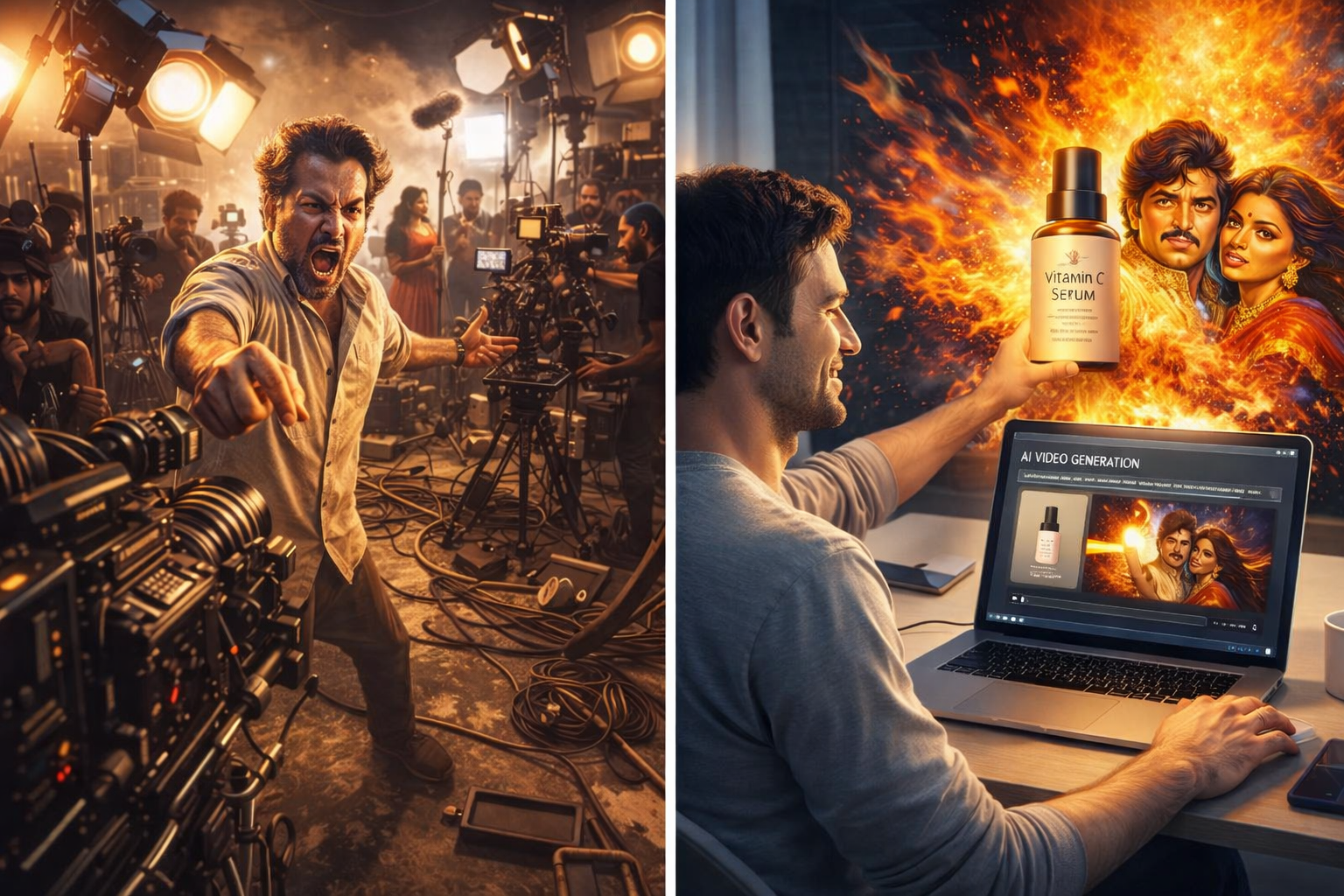
Customers often make purchasing decisions within seconds. Video ads dominate social feeds and dramatically improve click-through and conversion rates. Yet traditional video production is expensive and time-consuming.
AI video generators such as Runway, InVideo, and VEED automatically create videos from photos or scripts, making the process faster and more affordable. These tools use AI models to animate images, generate scenes, and even add voice-overs.
The demand for AI-powered video creation is growing rapidly. Runway attracted roughly 14.9 million visitors in March 2025, and InVideo reached a new high of 24.4 million visitors — showing just how much businesses want these tools.
Top AI Video Generators and Their Focus Areas
| Competitor | Focus & Notable Features |
|---|---|
| InVideo | Text-to-video generator with AI voice-overs and a large stock media library. 72% of traffic comes from organic search. Top keywords include "AI video generator" and "free AI video generator." |
| Runway | Multi-model tool offering image-to-video, text-to-video, and video-to-video generation. Known as the "best video generator for most uses" with strong editing tools and credit-based pricing. |
| VEED | Browser-based editor aimed at corporate teams needing professional video ads. Excels at adding captions and quick edits for TikTok and Instagram. Rated best for business use. |
| Synthesia | Text-to-speech and AI-avatar platform for creating presenter-style videos. Popular for training videos and orientation content with templates for high-intent keywords. |
| HeyGen | Specialized in AI avatars and multilingual video. Known for diverse avatars and language support, often cited as a top alternative to Synthesia. |
| Pictory, Lumen5 & Kapwing | Focus on repurposing long-form content into short videos. Popular for video summarization, social media clips, and turning blog posts into shareable videos. |
What These Keywords Mean for You
When potential customers search for phrases like "AI video generator" or "free AI video generator," they are looking for easy, low-cost solutions to create marketing videos.
The popularity of these keywords indicates a growing interest in AI-driven advertising. By including similar terms in your website copy and blog content — such as "product video generator," "AI ad maker," and "create video ads from photo" — you can tap into this search demand and attract qualified visitors.
How PromoMotions Fits Into the Landscape
PromoMotions is an AI-powered platform that transforms a single product photo into a polished video ad. Its key value propositions include:
-
One-photo input: Upload a product photo and describe it in plain English to generate an ad-ready video. This removes the need for complicated video shoots.
-
Zero editing: The platform uses AI to handle scenes, motion, captions, and pacing. You don't need to hire a video editor or learn new software.
-
Brand consistency: Users can apply logos, colors, and fonts automatically, ensuring every ad matches your brand identity.
-
Multiple variations: PromoMotions can generate several ad variations to test different hooks and calls to action.
-
Platform-specific exports: Videos are optimized for Meta, TikTok, YouTube, and Shopify.
By focusing on high-intent keywords and highlighting the simplicity and speed of its workflow, PromoMotions stands out against competitors. Small businesses and e-commerce shops often search for terms like "create product video from photo," "AI ad maker free," or "generate video ads for Shopify."
Step-by-Step: Create a Product Video Using PromoMotions
Step 1: Upload a product image Start with a high-quality photo of your product — preferably on a plain background for the best results.
Step 2: Describe your product In a sentence or two, explain the product's purpose and target audience (e.g., "A durable hiking backpack designed for weekend treks"). The AI uses this to craft an engaging script and scenes.
Step 3: Choose a template Pick from niches such as beauty, tech, footwear, or home décor. Templates come with professionally designed layouts tailored to different platforms (Instagram Reels, YouTube Shorts, etc.).
Step 4: Customize branding Upload your logo and select your brand colors. PromoMotions automatically applies them to your video.
Step 5: Generate variations Create multiple video versions with different opening hooks or calls-to-action. Testing variations helps you discover what resonates with your audience.
Step 6: Download and publish Export the video in the correct aspect ratio for your channel — Meta (16:9 or 1:1), TikTok (9:16), YouTube (16:9), or Shopify product listings.
Best Practices for AI-Generated Video Ads
Keep it concise. Attention spans on social platforms are short. Aim for 15–30 second videos.
Lead with a strong hook. The first few seconds should immediately show the problem your product solves or highlight a unique benefit.
Use captions. Many viewers watch videos without sound. AI tools like PromoMotions automatically generate captions, improving accessibility and engagement.
A/B test variations. Since PromoMotions makes it easy to generate multiple versions, test different scripts, colors, and calls-to-action to see which performs best.
Optimize for each platform. Use the recommended aspect ratio and length for TikTok, Instagram Reels, YouTube Shorts, and other channels to maximize reach and algorithm favor.
Final Thoughts
AI video generators are no longer a futuristic concept — they are practical tools driving real traffic and revenue.
Competitors like InVideo, Runway, VEED, and Synthesia have built large audiences by ranking for keywords such as "AI video generator," "text-to-video," and "AI video templates." These keywords capture users actively seeking solutions for video ad creation.
PromoMotions can attract similar organic traffic by targeting related terms — "product video generator," "AI ad maker," and "create video ads from photo" — and by demonstrating how easy it is to produce high-converting product videos from a single image.
By adopting SEO best practices, publishing informative tutorials like this blog, and leveraging your AI technology's unique strengths, you can position PromoMotions as a go-to solution for businesses everywhere.
Ready to Create Your First Video Ad?
👉 Join the PromoMotions waitlist and start turning your product photos into high-converting video ads — no editing skills required.
Written by the PromoMotions Team
You might also like.
Keep exploring AI-powered commerce insights.
Transform Your Product Photos into Viral Video Ads: The Power of an AI Product Video Generator
Best AI Video Ad Generators in 2025: Which One Is Right for You?
How to Create Video Ads Without Any Editing Skills